
Film Minecraft from any angle.
MineCut records your world as a replay, lets you fly a camera through it afterwards, and edits the result with music, titles and effects. You export the finished video without leaving the game.
Minecraft 1.21.1 on Fabric or NeoForge, Java 21. Video features use FFmpeg, which you install separately.
From playing to a finished video
-
00:00
Record
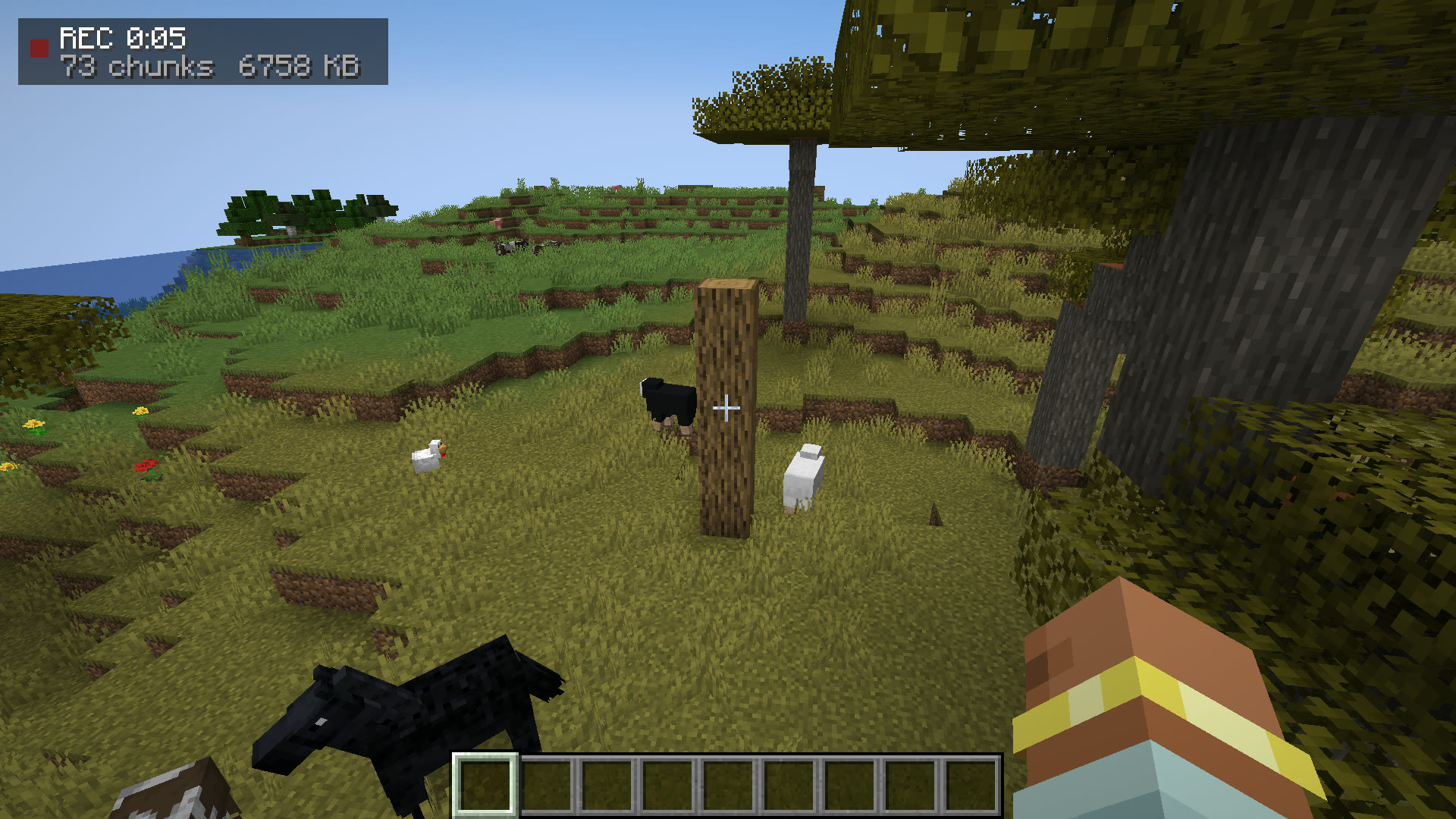
Press F7 and play. MineCut stores the world around you, every entity, block change and particle, so nothing is locked to the angle you were looking from.
-
00:15
Film
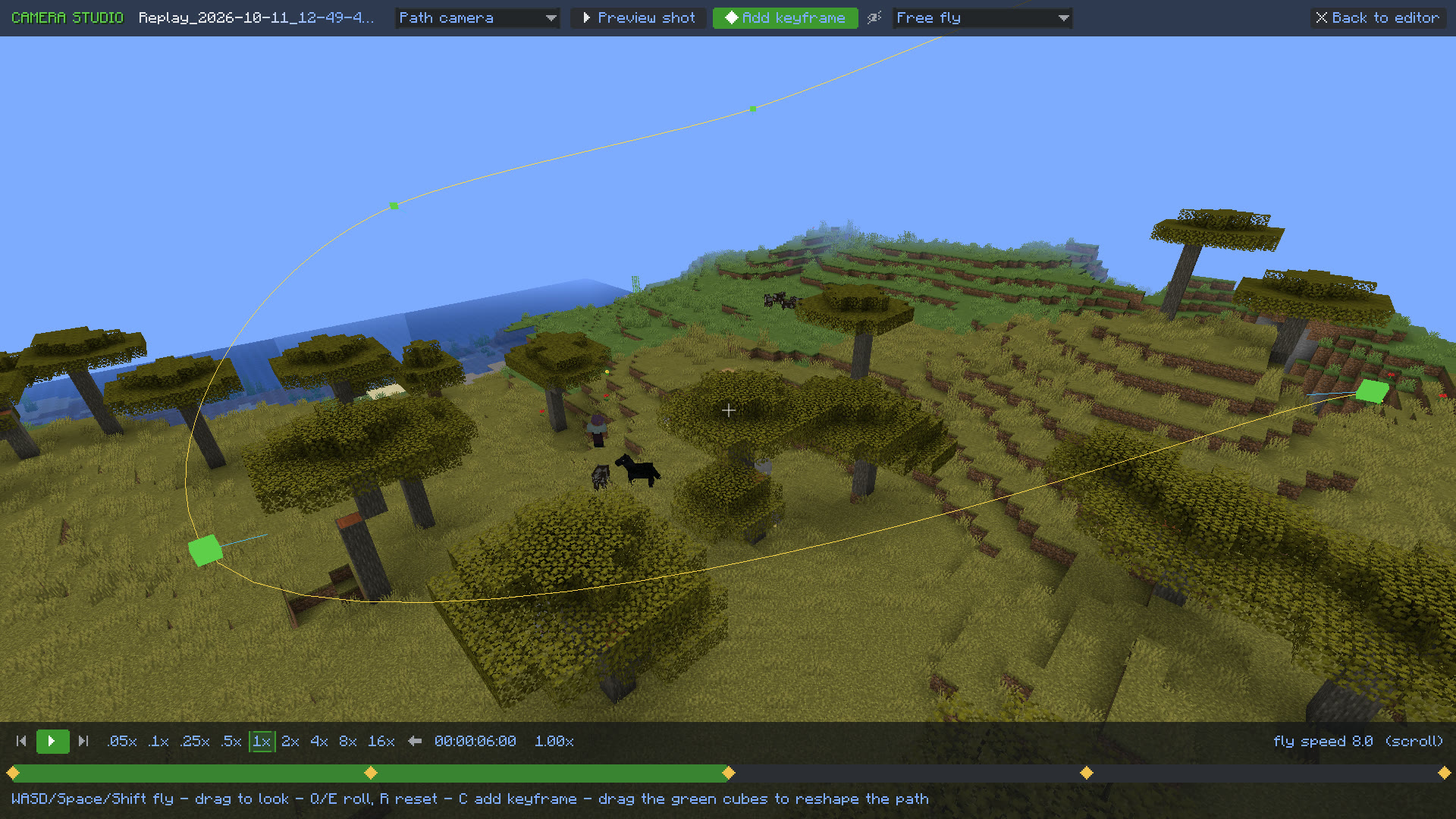
Open the Camera Studio, fly through the recording and drop keyframes. The path between them is a smooth spline you can drag around in 3D, and the replay plays from 0.05x to 16x, forwards or backwards.
-
00:30
Edit
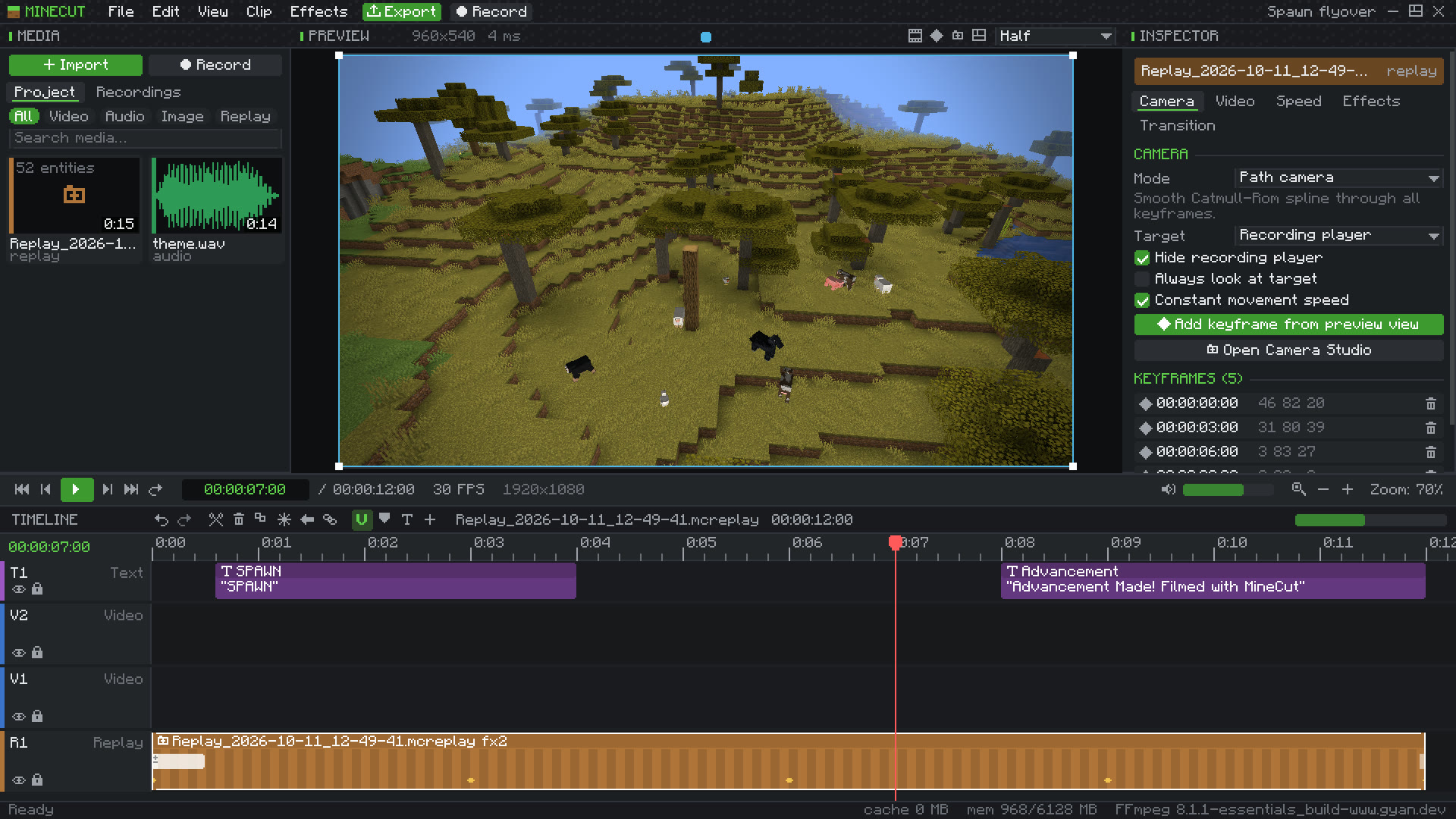
Drag the replay onto the timeline next to your own videos, music and images. Trim, split, add titles, transitions and colour grading. Everything you change can be undone.
-
00:45
Export
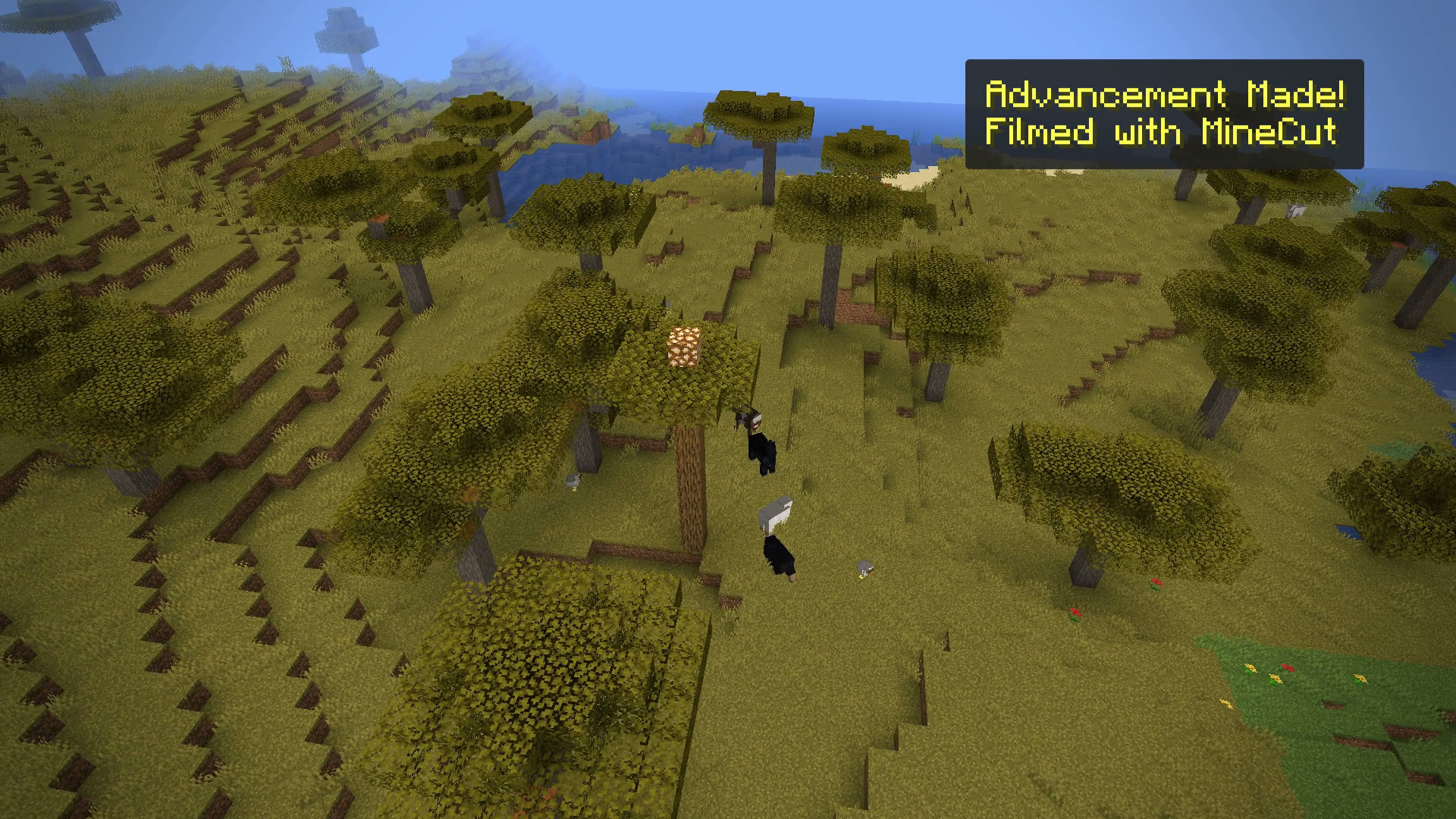
Pick a size, frame rate and format and press Export. MineCut renders every frame, mixes the audio and checks the file before it tells you it is done.
Shorts made with MineCut
Recorded and edited inside the game, then exported at 1080 by 1920 for YouTube Shorts and TikTok. Nothing else touched them.
Inside the editor
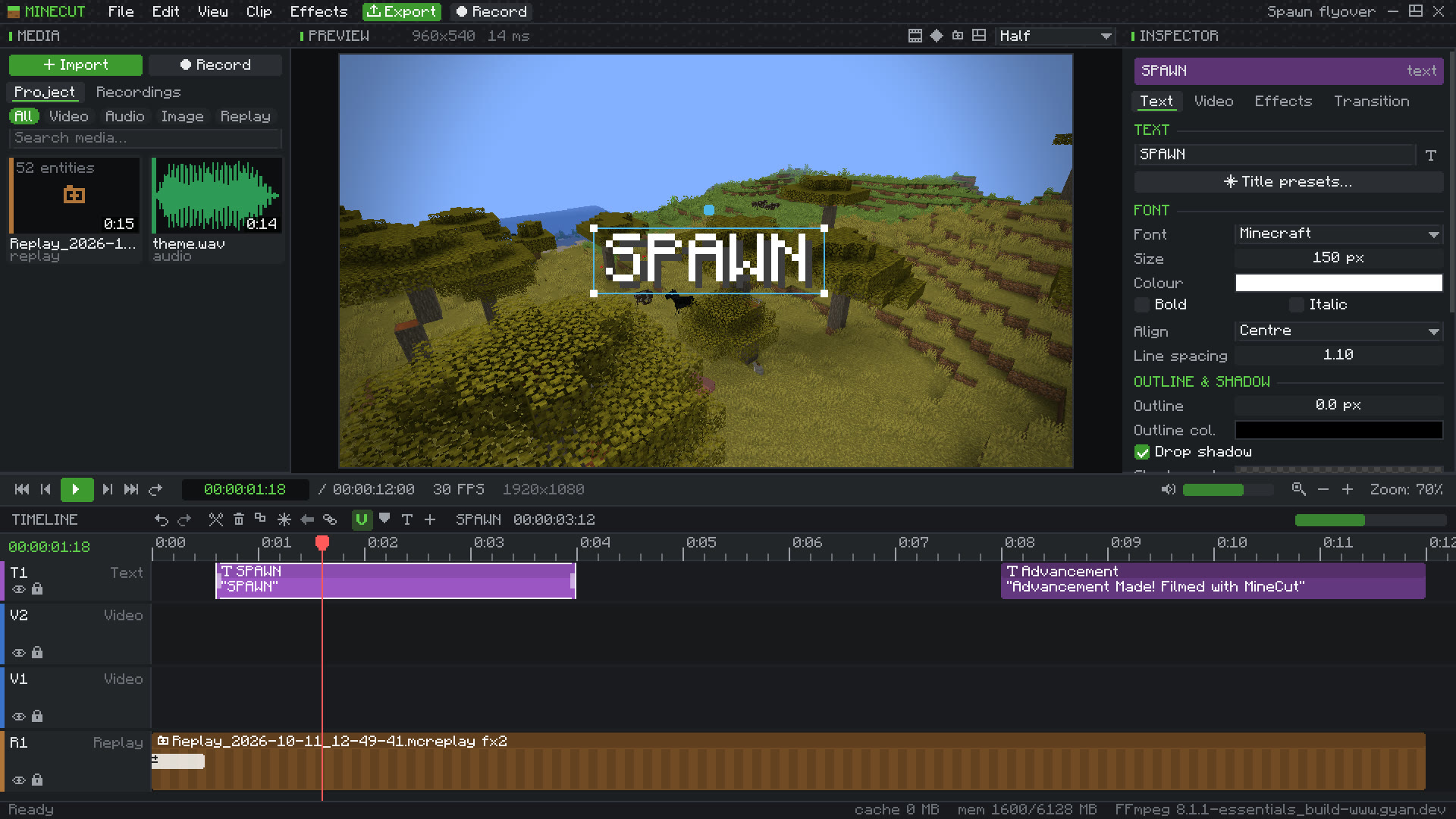
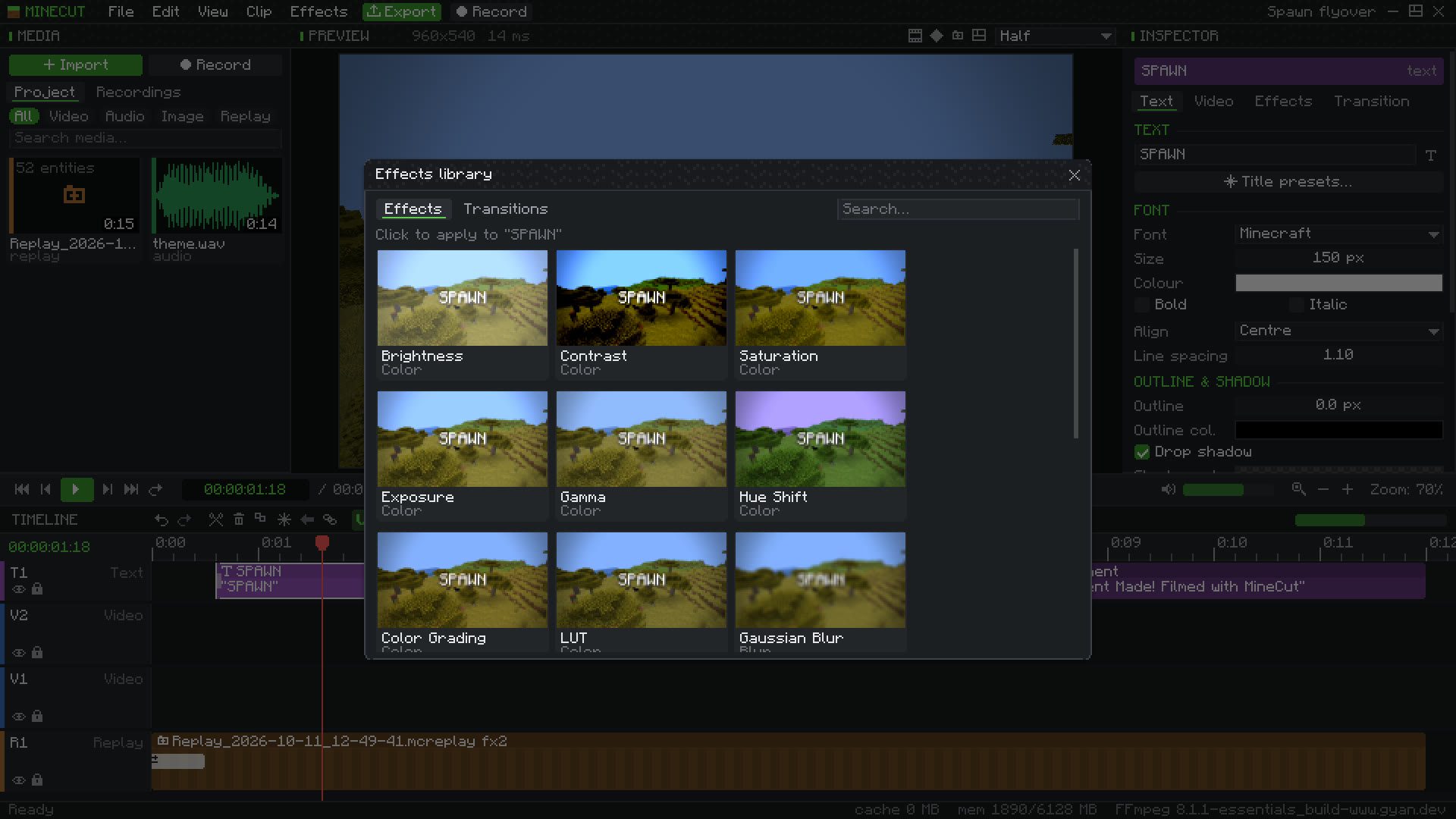
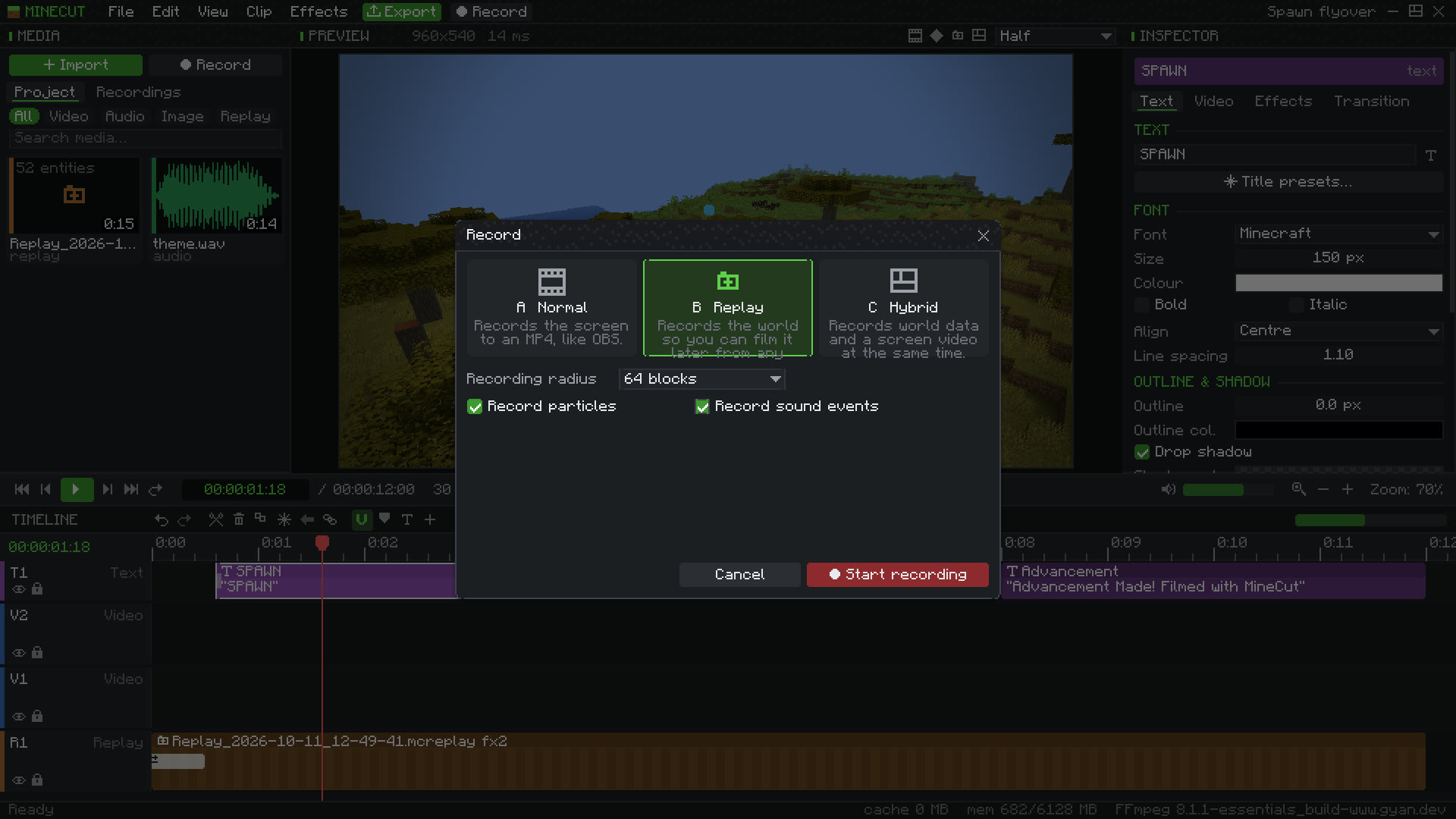
What it can do
Recording
- Screen video, replay data, or both at once
- Radius of 32, 64, 128, 256 blocks or your own
- Players, mobs, items, projectiles, equipment and animations
- Block placing and breaking, light, weather and time of day
- Works on servers with whatever the server sends you
Camera
- Free, path, dolly, orbit, follow, first and third person
- Keyframes for position, rotation, roll, field of view and focus
- Linear, smooth, bezier, Catmull-Rom and custom easing
- Depth of field and constant-speed paths
- Slow motion that replays the world, not stretched frames
Timeline
- As many video, replay, text, effect and audio tracks as you need
- Trim, split, ripple delete, snapping, groups and linked audio
- Speed ramps, reverse and freeze frames
- Undo history, markers, in and out points, J K L playback
- 24, 25, 30, 50, 60 and 120 fps with frame-exact timing
Picture and sound
- 16 effects including colour grading, LUTs, glow and grain
- 8 transitions, adjustment layers and blend modes
- Keyframed volume and pan, fades, EQ and normalising
- Import MP4, MOV, MKV, WebM, MP3, WAV, OGG, FLAC, PNG, JPG and WebP
- SRT subtitles become editable captions
Export
- 720p, 1080p, 1440p, 4K or any size
- MP4, WebM or MOV with H.264, H.265, AV1 or VP9
- Progress, time left and a cancel button
- The finished file is checked before it is reported done
Projects
- Autosave and recovery after a crash
- Your original files are never changed
- Find moved media again in one click
- Package a project with all its media to share it
Edit by asking your coding assistant
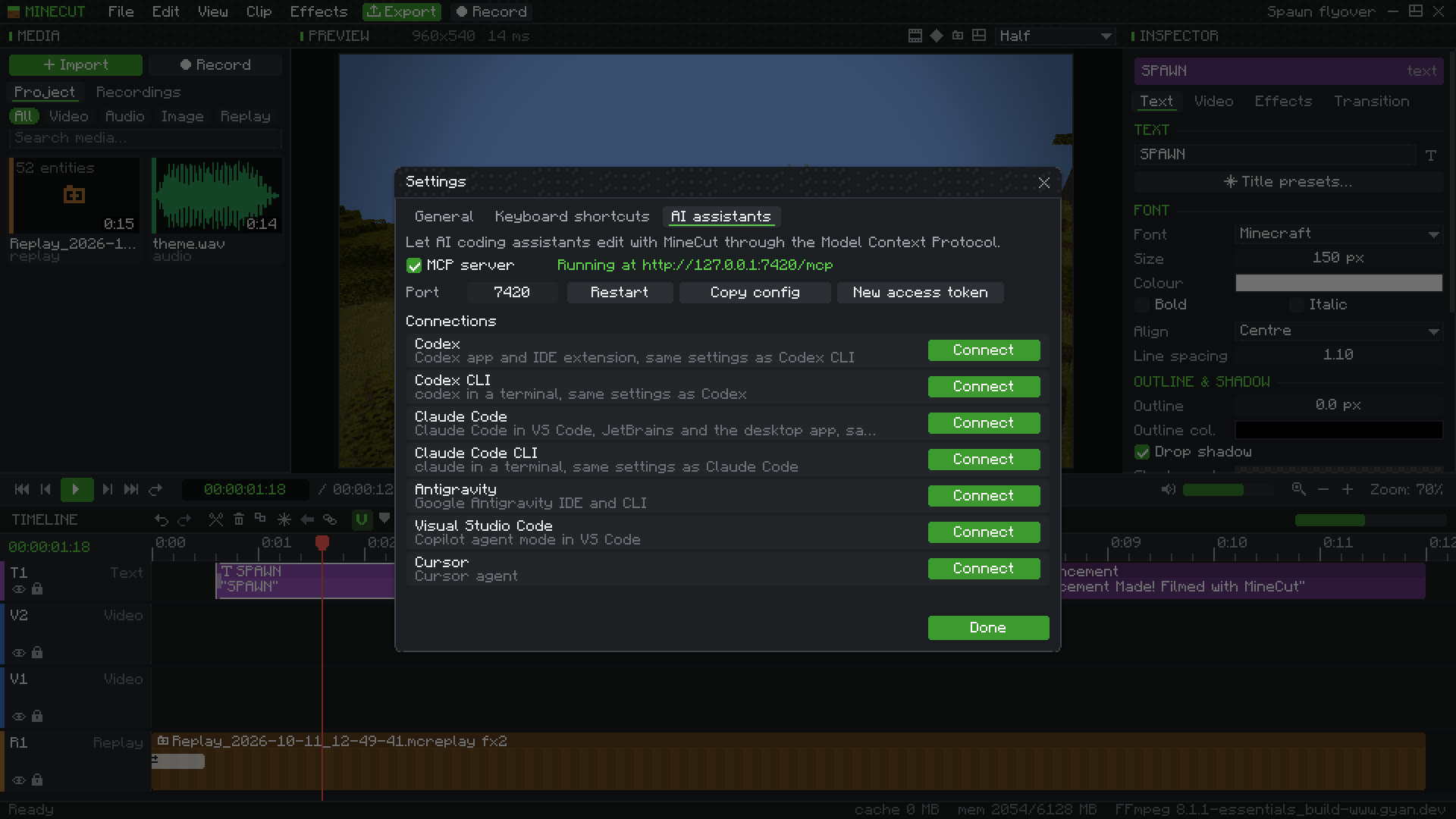
MineCut runs a small MCP server on your own computer while the game is open. Connect it once from Settings and your assistant can read the timeline, import files, cut clips, set up camera moves, add titles, start a recording and export, then look at the result through a preview frame.
One click connects each of these, without touching the other servers you already have set up:
- Codex and Codex CLI
- Claude Code and Claude Code CLI
- Antigravity
- Visual Studio Code
- Cursor
The server only listens on 127.0.0.1 and refuses requests without its access token.
Install
Make a Minecraft 1.21.1 instance with Fabric or NeoForge. Prism Launcher, Modrinth App and CurseForge can all do this for you.
Put the MineCut jar for your loader into the
modsfolder. On Fabric, add Fabric API for 1.21.1 as well.For video import, screen recording and export, install FFmpeg and add its
binfolder to PATH, or choose the folder later in MineCut settings. Replays work without it.Start the game, join a world and press M for the editor or F7 to record.
Download
minecut-fabric-1.21.1-0.7.0.jar
- Size
- 713 KB
- Loader
- Fabric 0.16 or newer, with Fabric API
- Minecraft
- 1.21.1
- Java
- 21
- SHA-256
- 14922b63b7d2ccf4e865f214addc6a168f2c3421d7da3de8bc664bf0af49f9fc
minecut-neoforge-1.21.1-0.7.0.jar
- Size
- 706 KB
- Loader
- NeoForge 21.1
- Minecraft
- 1.21.1
- Java
- 21
- SHA-256
- 4a733eb7e01a2948995c59ad1129eaf704f1db12e44240424844465edd2d4b4b
Both files are also on GitHub, with the release notes.